How do I update my password for Wisenet Student Portal?
How do I update my password for Wisenet Student Portal?
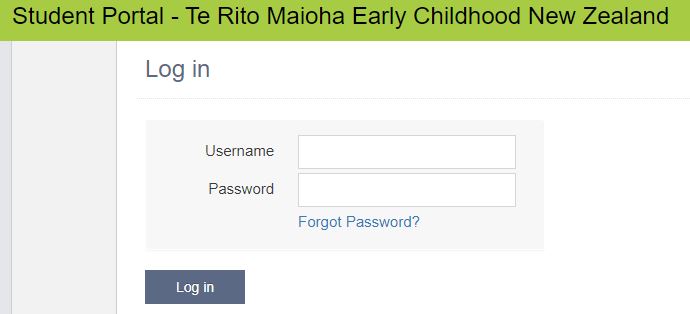
Click on Forgot Password? on the Wisenet login page
Enter your student email address as your Username and click Reset Password
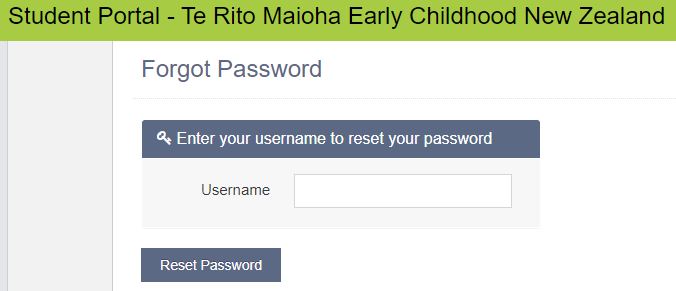
PLEASE NOTE: The password reset email will be sent to your student email address, not your personal email address. You can check your student email address via Outlook on the Student Landing Page or the Outlook programme on your computer (if you have downloaded the desktop software programme)
Background Colour
Font Face
Font Size
Text Colour