How do I update my profile on PMA?
How do I update my profile on PMA?
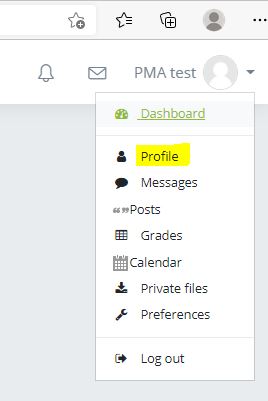
Your main profile can be found through the dropdown menu on the top right hand corner of PMA.

Once you have clicked on the dropdown symbol, you will find the link to your main profile.
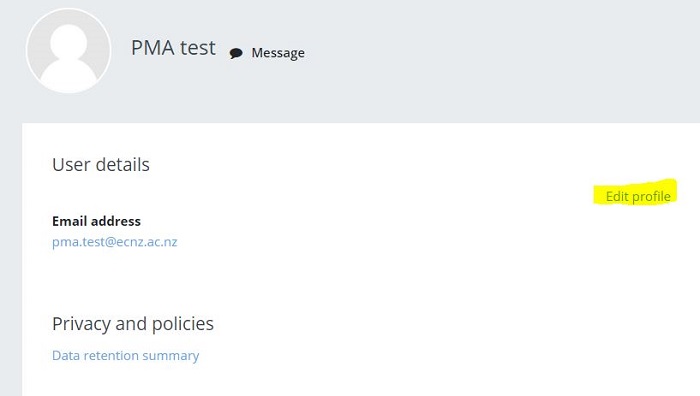
On your profile, you will need to select 'Edit profile'.
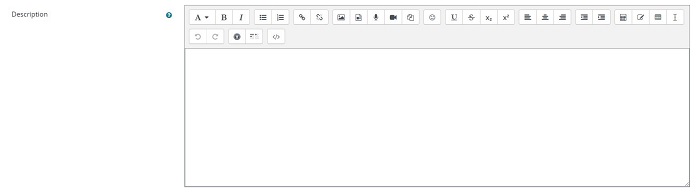
On the profile editing page, you will have options to update areas of your profile - such as the decription/your introduction or blurb and updating your profile pciture.

Background Colour
Font Face
Font Size
Text Colour