How do I add the Maori keyboard to my computer (PC)?
How do I add the Maori keyboard to my computer (PC)?
The Maori keybaord will allow you to use macrons when writing in Te Reo Maori or using Te Reo Maori words/phases.
1. Open the Search tool on the taskbar on your computer desktop
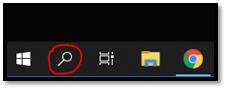
2. Search the keyword Language and select ‘Language Settings’

3. Under Preferred languages on the language settings screen, make sure you are using the ‘English (New Zealand)’ language setting.

4. Click on 'English (New Zealand)' and select options

5. Under the Keyboards section, select 'Add a keyboard'.
(US Qwerty is standard as a keyboard selection but we don’t want this as the main option)
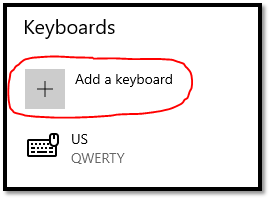
6. Search for “Maori Qwerty” keyboard and select this.
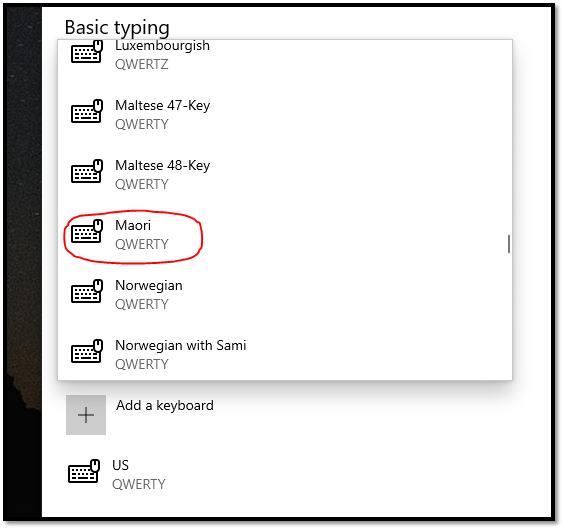
7. You will now see the Maori Qwerty keyboard option, but it will show as sitting under the US Qwert keyboard. This means it can't apply the macrons because the US keyboard is taking precedence over the Maori keyboard.

8. To amend this, you need to delete the US keyboard and add it back in again so that it will sit under the Maori keyboard.
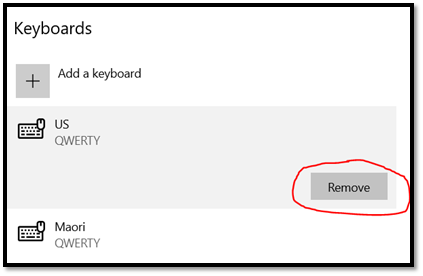
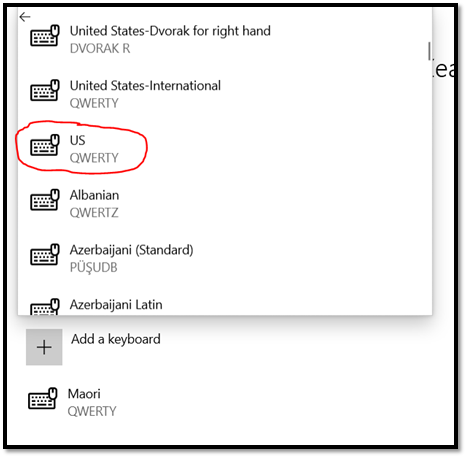
9. Select "Add a keyboard" and find the US keyboard
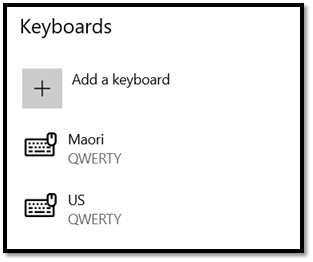
10. You should now see the keyboard selection as below
Background Colour
Font Face
Font Size
Text Colour